How Do Macros Work
Macros are made up of actions (changes to a ticket). You can add as many actions to a macro as you want.
There are also a few other settings that affect who can use a macro or how it behaves.
Creating Macros
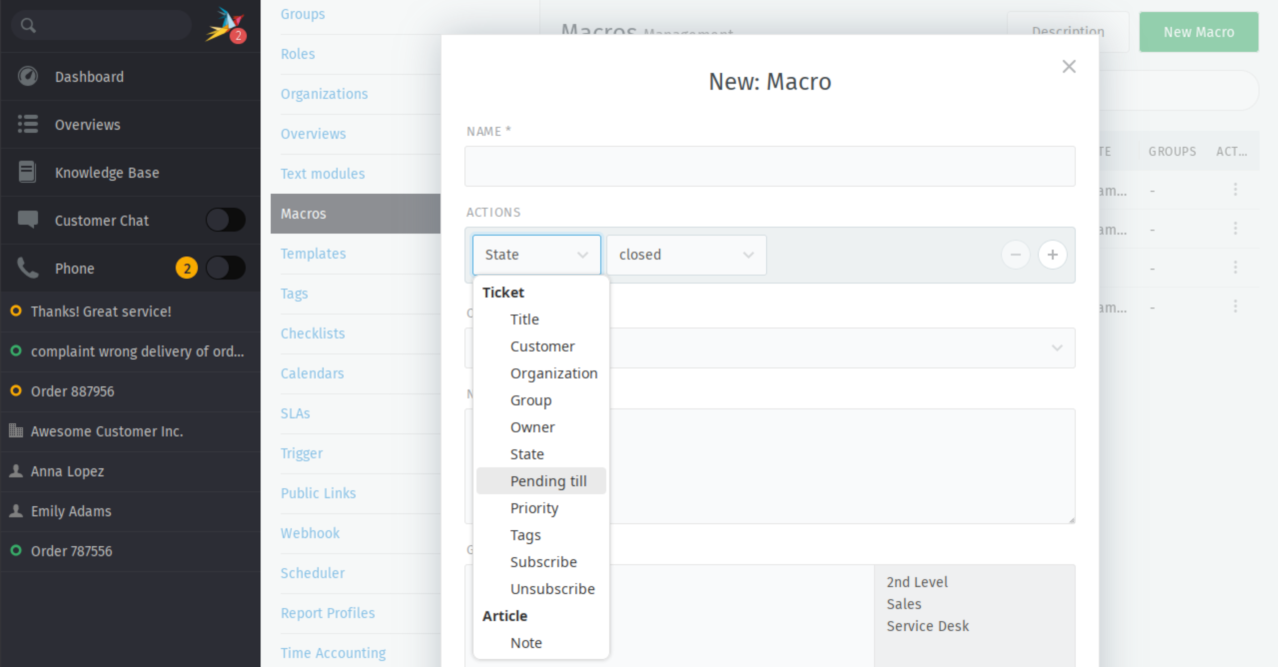
- Actions
You can create actions to:
set ticket attributes (priority, state, group, etc.)
add new notes to a ticket
run an AI agent
There are no actions for:
sending a reply to the customer
Note
Unlike triggers, the scheduler, and text modules, macro actions do not support the use of Variables.
Warning
If the ticket is missing a required attribute and the macro doesn’t set it, then no actions will be applied.
- Once completed…
After running this macro, should Zammad remain on the current tab, close it, or automatically switch to the next ticket? (Does not apply when running macros “in bulk”.)
- Note
What should other Zammad admins know about this macro? (Visible only via the “Edit: Macro” dialog, Rails console, and API.)
- Groups
Which Groups are allowed to see/use this macro?
- Active
Choose “inactive” to disable this macro without deleting it.
Managing Macros
Edit your macros by simply clicking on it. You can delete or even clone existing macros by clicking on the ︙ action menu and select the desired action:
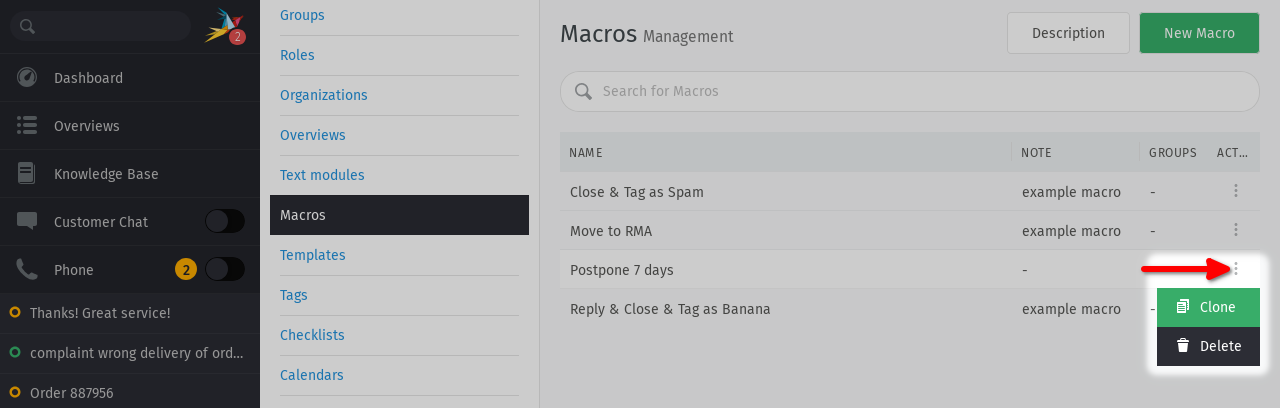
When cloning a macro, make sure to click “Submit” for the duplicate to be created.