Admin-Berechtigungen
Bemerkung
📁 Permissions are namespaced, which is sort of like having files inside of folders.
The permissions listed on this page all belong to the admin namespace.
You can select them individually,
or you can just select admin to enable the whole bunch.
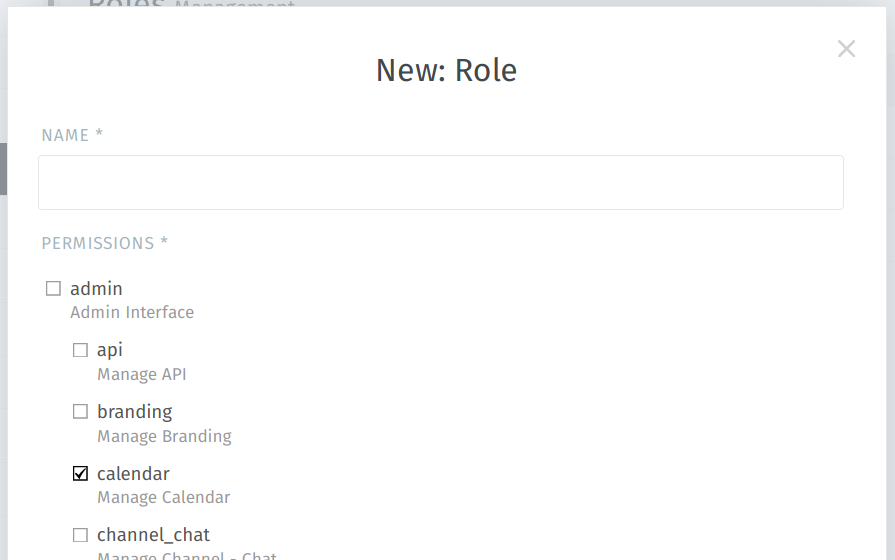
Admin permissions are shown at the top of the New Role dialog…
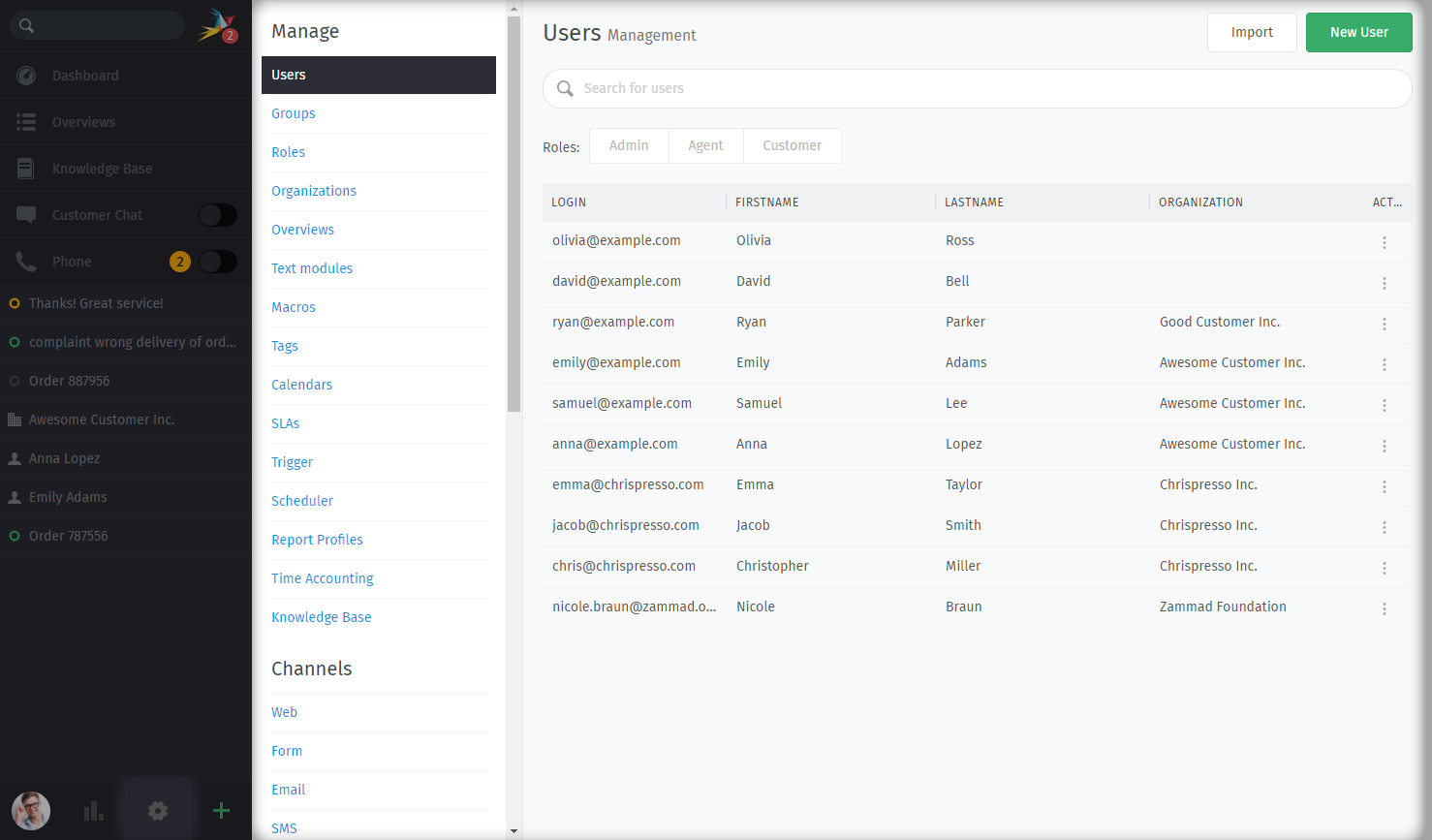
…and give users access to the pages of the Admin Panel.
x
admin.apiadmin.brandingadmin.calendarVerwalten > Kalender (notwendig für SLAs)
admin.channel_chat-
Hinweis
🤓 Trying to grant access to send messages in live chats?
Benutzen Sie stattdessen
chat.agent. admin.channel_emailadmin.channel_facebook-
Hinweis
🤓 Trying to grant access to view/update tickets from Facebook?
That’s in Group Access Levels.
admin.channel_formularadmin.channel_googleadmin.channel_microsoft365admin.channel_smsKanäle > SMS
admin.channel_telegram-
Hinweis
🤓 Trying to grant access to view/update tickets from Telegram?
That’s in Group Access Levels.
admin.channel_twitter-
Hinweis
🤓 Trying to grant access to view/update tickets from Twitter?
That’s in Group Access Levels.
admin.channel_webadmin.core_workflowsadmin.data_privacy-
Gefahr
🔥 This permission allows users to permanently delete data on the system. Proceed with caution!
admin.groupadmin.integrationadmin.knowledge_base-
Hinweis
🤓 Trying to grant access to read/edit knowledge base articles?
Use
knowledge_base.readerandknowledge_base.editorinstead, and double-check the answer’s visibility. admin.macro-
Bemerkung
In some cases, macros may also require
admin.tag. admin.maintenanceadmin.monitoringadmin.objectadmin.organization-
Bemerkung
Agents can access existing organizations from the search bar, even without this permission. They can even edit an organization’s name, domain, and notes!
admin.overviewadmin.packageadmin.report_profile-
Hinweis
🤓 Trying to grant access to view reports?
Nutzen Sie stattdessen
report. admin.roleadmin.schedulerVerwalten > Automatisierung für die Automatisierung an Tickets
admin.securitySettings > Security settings of Zammad This also covers third party authentications.
admin.sessionadmin.setting_systemEinstellungen > System von Zammad
admin.slaadmin.tagadmin.templateadmin.text_moduleadmin.ticketSettings > Tickets (does not grant access to Editor-Einstellungen)
admin.time_accounting-
Hinweis
This permission may be useful for accounting personnel if they need to be able to export timekeeping records.
admin.translationSystem > Übersetzungen (ermöglicht außerdem das Inline-Übersetzen)
admin.triggeradmin.user-
Bemerkung
🤔 Ich dachte Agenten können bereits Benutzeraccounts verwalten?
Agenten können Kunden erstellen und bearbeiten, aber sie können nicht:
modify anyone’s permissions (roles or groups)
modify anyone’s passwords
edit other agent’s accounts
Gefahr
🏴☠️ Diese Berechtigung erlaubt das Übernehmen anderer Benutzersitzungen.
To learn more, see Taking over a user’s session.