Feedback & Logs
Navigate to AI > Feedback & Logs to review the AI activity of your instance.
Access to this page requires the admin.ai_feedback_logs permission.
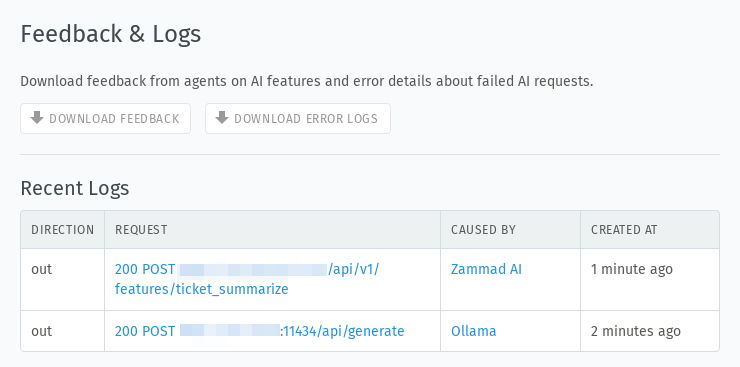
Downloads
Your agents can give feedback such as a thumbs up or a thumbs down and leave a comment when they give a thumbs down. Use the buttons to download this feedback as well as error logs to review how the features perform. Both downloads provide an Excel file (.xlsx) with the requested information.
Download Feedback provides feedback from all AI features in one file. If you
want feedback from a single feature only, download the report from that
feature’s page (currently available for the
writing assistant).
Download Error Logs provides the error logs for failed AI requests across
all features.
Recent Logs
Zammad shows the last AI requests and responses in the UI as well, so you can inspect them when something isn’t working. Open an entry to see the request and the response from your AI provider.