Text Modules
Text modules can be added and edited in the admin interface under
Manage > Text modules with the admin.text_module permission.
Here you find text snippets which are already shipped by Zammad, which
can be extended as needed.
Beside text modules, Zammad also allows you to use Ticket templates which can include even more information.
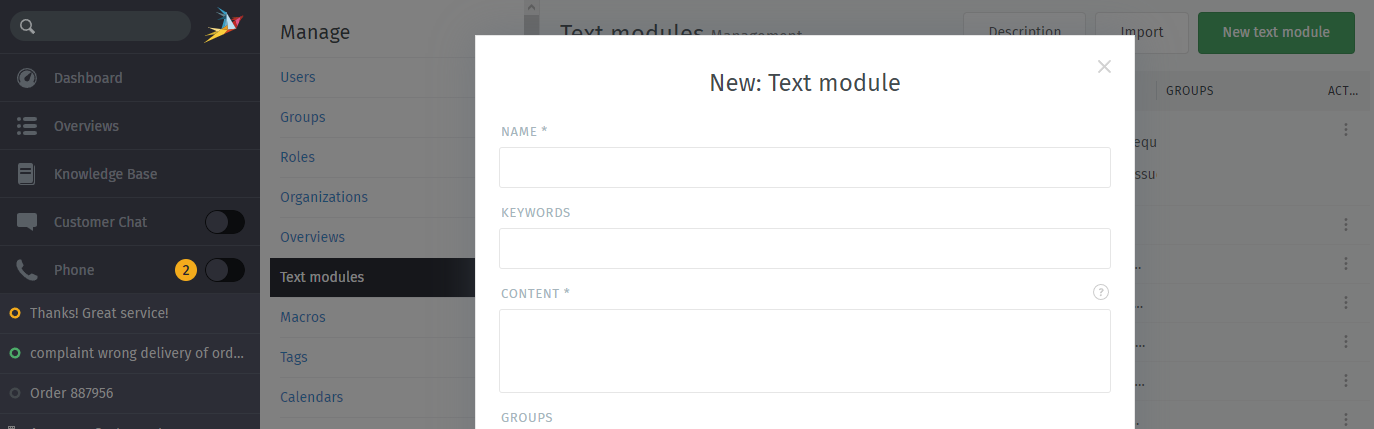
Creating keywords makes it easier to find the right text module:
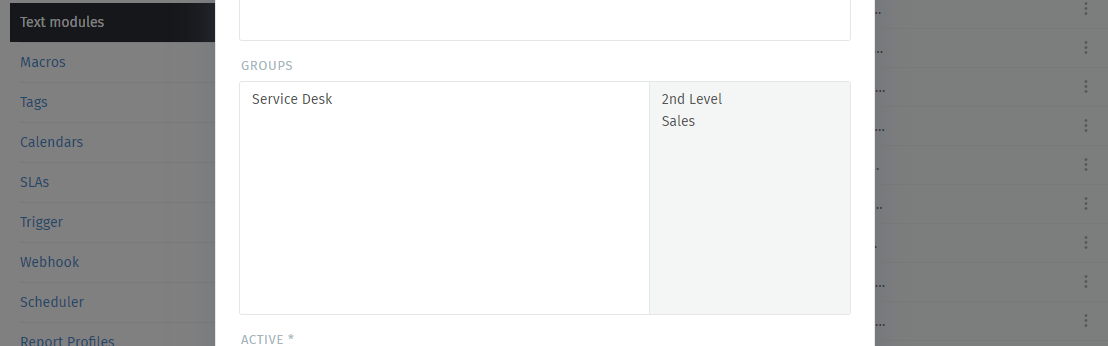
If needed, you can restrict text modules to specific groups. With this, you can easily keep text module lists short and dedicate specific texts to where they belong.
You can adjust the group memberships for text modules at any time. This allows you to have the text module available globally (no groups selected) or one or several specific groups.
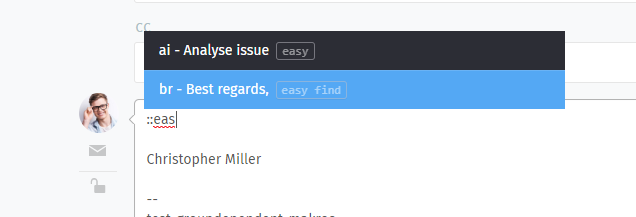
To select variables from a list, just enter :: in the text block.
Search placeholders in the list with the arrow keys after entering keywords.
All text modules can be used in articles as well as in the chat.
The text modules themselves can be used by :: in a ticket too! You can find
more information on how to use text modules in our
user documentation.
The example text modules below use Variables to dynamically insert information like the customer’s or agent’s names.
Examples of snippets are:
Hello Mrs. #{ticket.customer.lastname},

Hello Mr. #{ticket.customer.lastname},

Hello #{ticket.customer.firstname},

My Name is #{user.firstname},
Of course you can also use multi line snippets.
Delete or Clone Text Modules
Often similar text modules have to be created or unnecessary ones deleted. For these cases you can click on the 3 points in the text module overview on the right side and select the corresponding action:
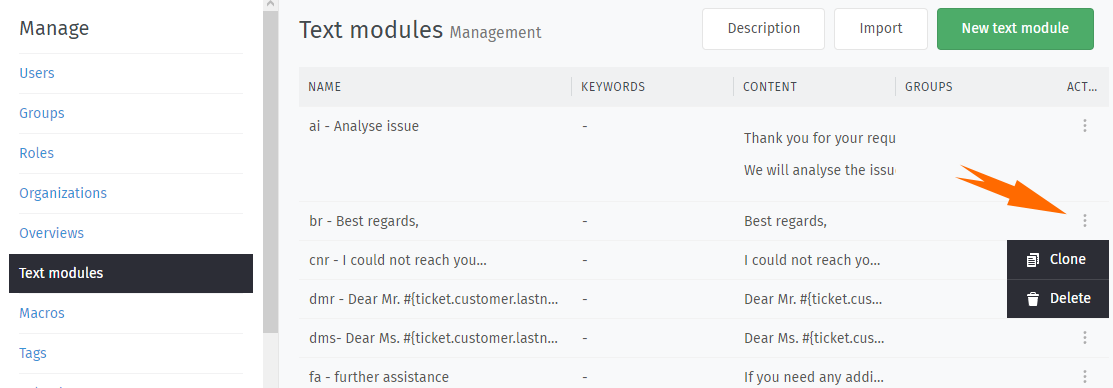
When cloning, text modules with all attributes are duplicated and can be edited later.
Import of Text Modules via CSV File
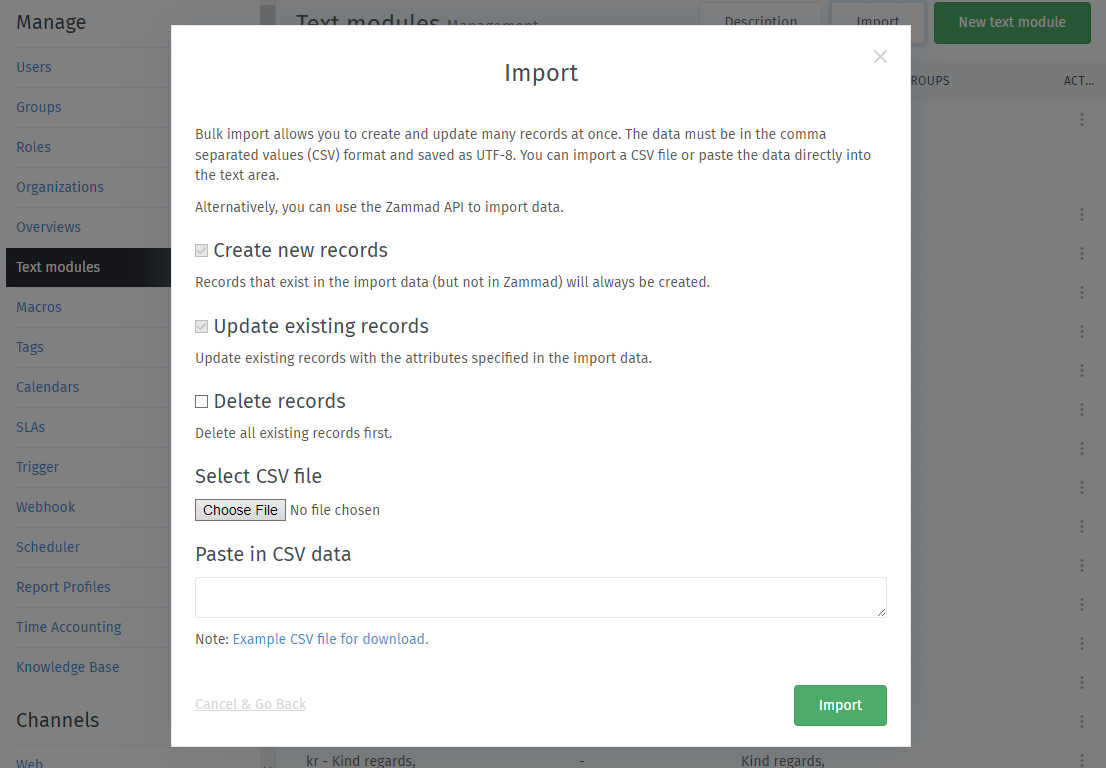
With the import action you can download a sample CSV file and upload your own CSV file.
To reduce the error rate of unwanted mass changes, a test import is carried out first and a summary appears at the end. If you agree with the summary, the CSV import will be executed.