GitHub
It is possible to create a quick login for your helpdesk via GitHub. To activate the quick login, you need to enable OAuth for GitHub.
Register GitHub App
Visit https://www.github.com/settings/applications/new and enter the app
settings. As callback URL, enter https://zammad_host/auth/github/callback
where zammad_host has to be replaced with your Zammad FQDN. You can even
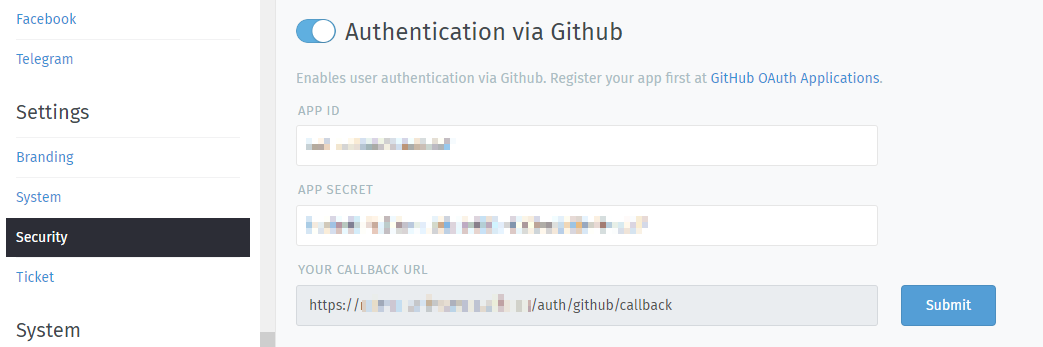
find and copy the callback URL from Zammad in the Authentication via GitHub
section.
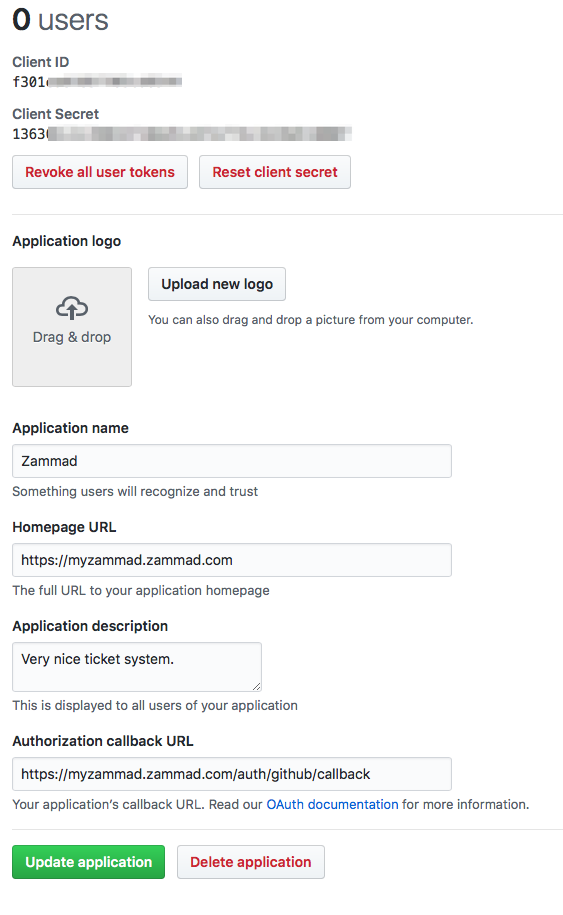
Configure Zammad as GitHub App
Enter the APP ID and the APP SECRET from the GitHub OAUTH Applications Dashboard:
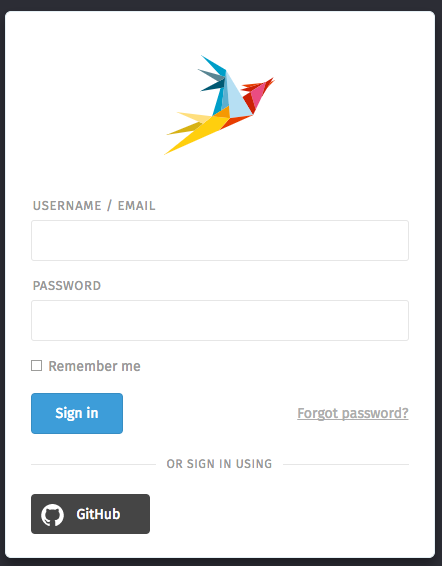
After you configured the GitHub credentials and activated the login method, you should see a new icon on the login page.
If you click on the icon you will be redirected to GitHub and see something similar to this:
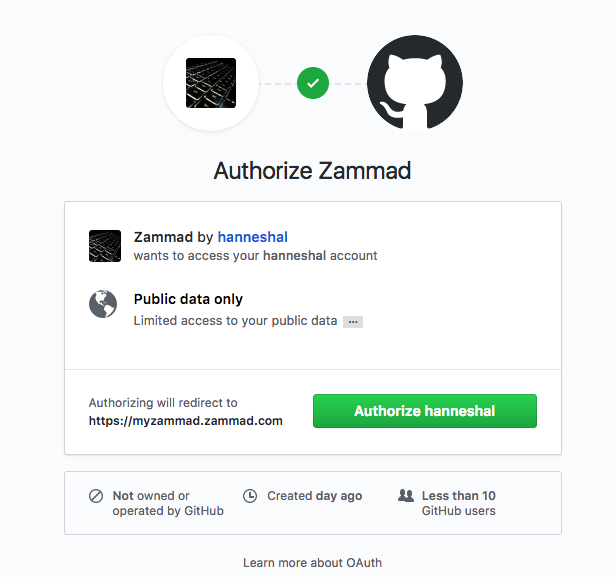
After granting access, you will be redirected to your Zammad instance and logged in.
Now you can link accounts via Avatar > Profile > Link Accounts or login via Zammad login page.