Dispatch Messages With Sendmail
If you try to configure only an outgoing email account (i.e. you don’t want to set up an incoming IMAP/POP3 account at all), you will find that it’s simply not possible via the email channel setup wizard. Instead, you will have to create it via the CLI.
To configure Zammad to use sendmail, run the following command (use rails r […] if you installed Zammad from source):
zammad run rails r "Channel.create(area: 'Email::Account', options: { inbound: { adapter: 'null', options: {} }, outbound: { adapter: 'sendmail' } }, active: true, preferences: { editable: false }, updated_by_id: 1, created_by_id: 1)"
Now, you should see a new Email Account entry in the admin settings panel:
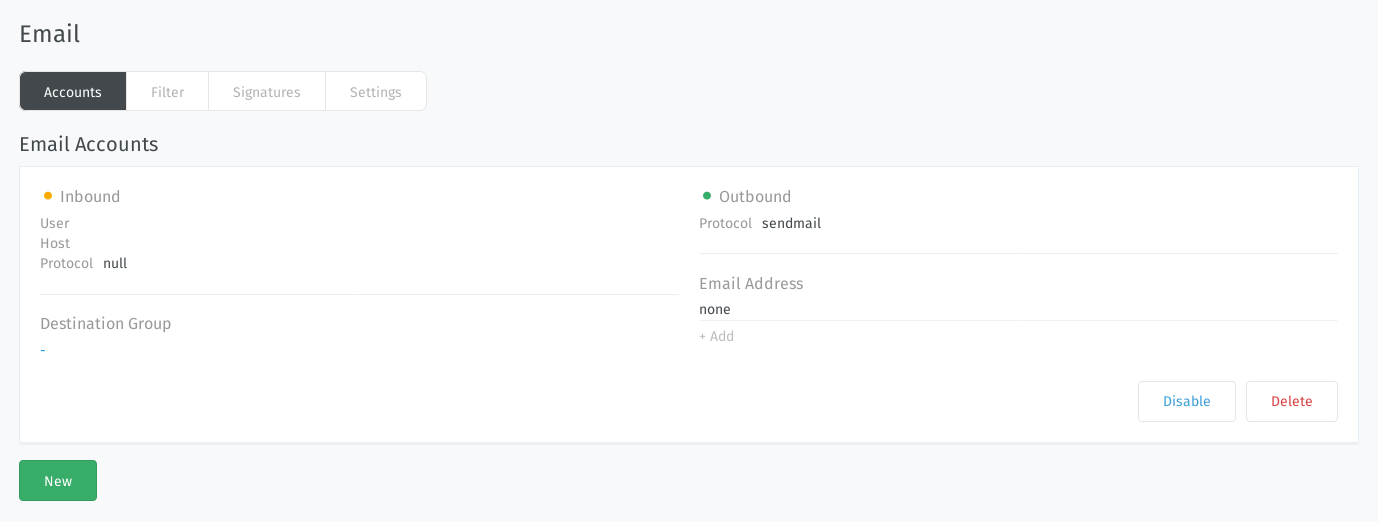
Use the Add button under the Email Address heading to add new email
addresses to send from.