Управљање организацијама преко административног панела
За управљање организацијама путем корисничког интерфејса под Управљање > Организације потребна вам је дозвола admin.organization. Погледајте Референтни водич: детаљи организација за помоћ око појединачних атрибута организација.
- Додавање и уређивање организација
Кликните на дугме
Нова организацијада бисте додали нову. Једноставно кликните на постојећу организацију да бисте је изменили. Можете чак и клонирати организацију коришћењем ⋮ менија у колони Радња.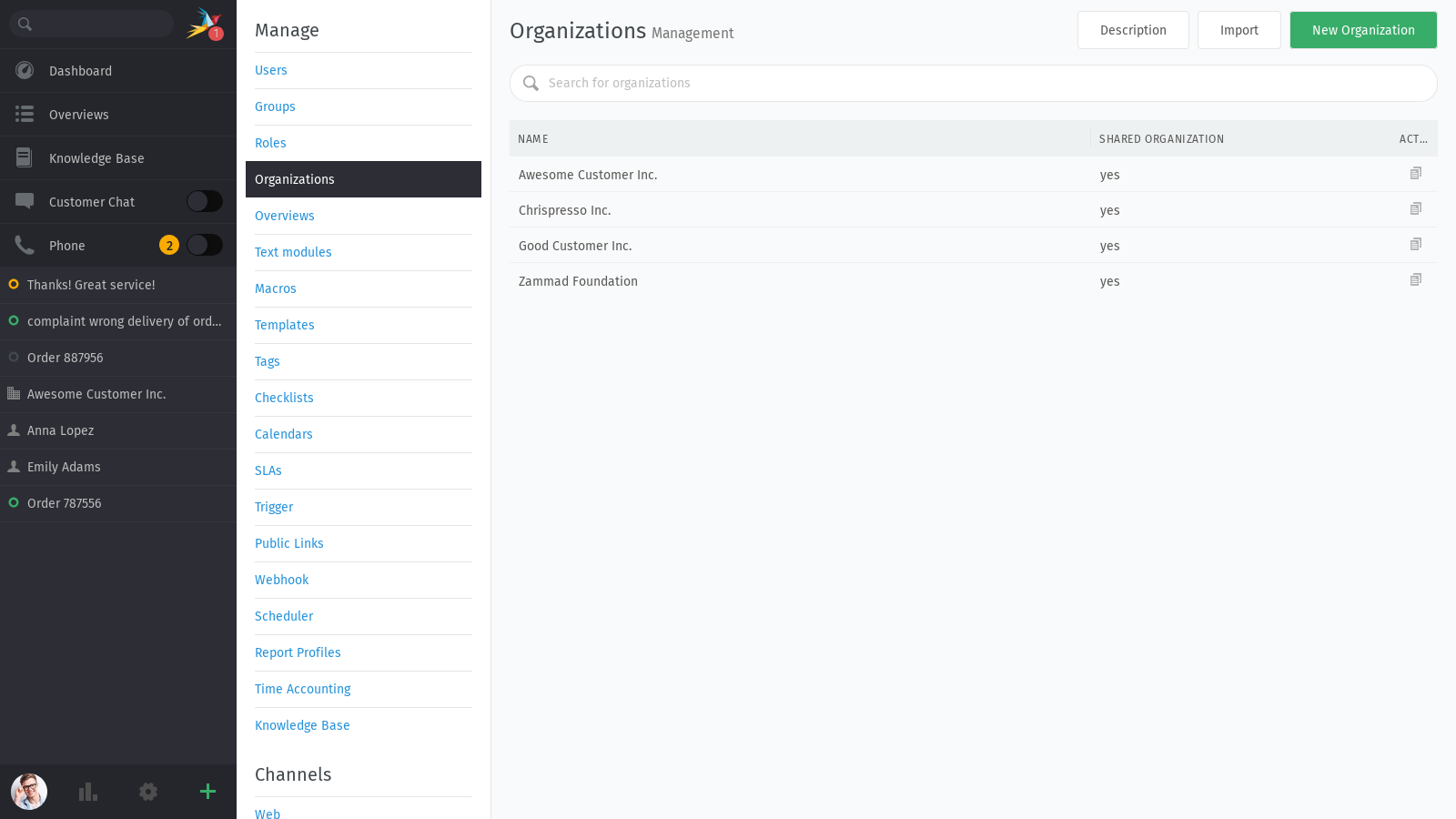
- Брисање организација
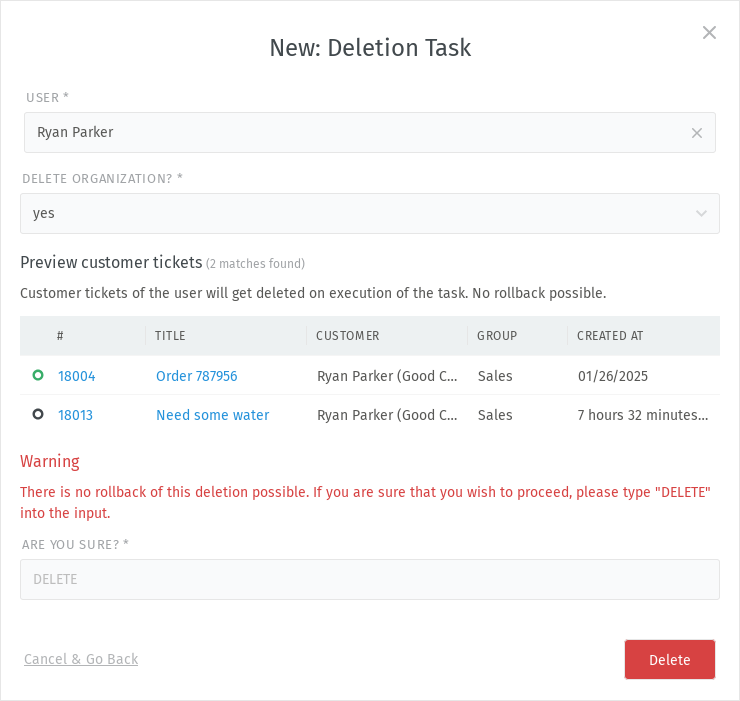
Организације тренутно могу да се уклоне само путем задатка за брисање приватних података тако што ћете избрисати последњег члана организације, а затим изабрати
даза Избриши организацију?.Користите ⋮ мени у колони Радња у прегледу корисника да бисте отворили дијалог за брисање корисника или додајте захтев за брисање директно у одељку приватности података.
Упозорење
💥 Брисање клијента уништава све његове повезане тикете!
Да бисте сазнали више, погледајте Приватност података.