GitLab
It is possible to create a quick login for your helpdesk via GitLab. To activate the quick login, you need to enable OAuth for GitLab.
Register GitLab App
To register an app in GitLab, open your profile and select applications.
Као URL адресу повратног позива унесите https://zammad-fqdn/auth/gitlab/callback где zammad-fqdn мора бити замењено вашом Zammad FQDN адресом. URL адресу повратног позива можете чак пронаћи и ископирати из Zammad-а и у одељку Аутентификација преко GitHub.
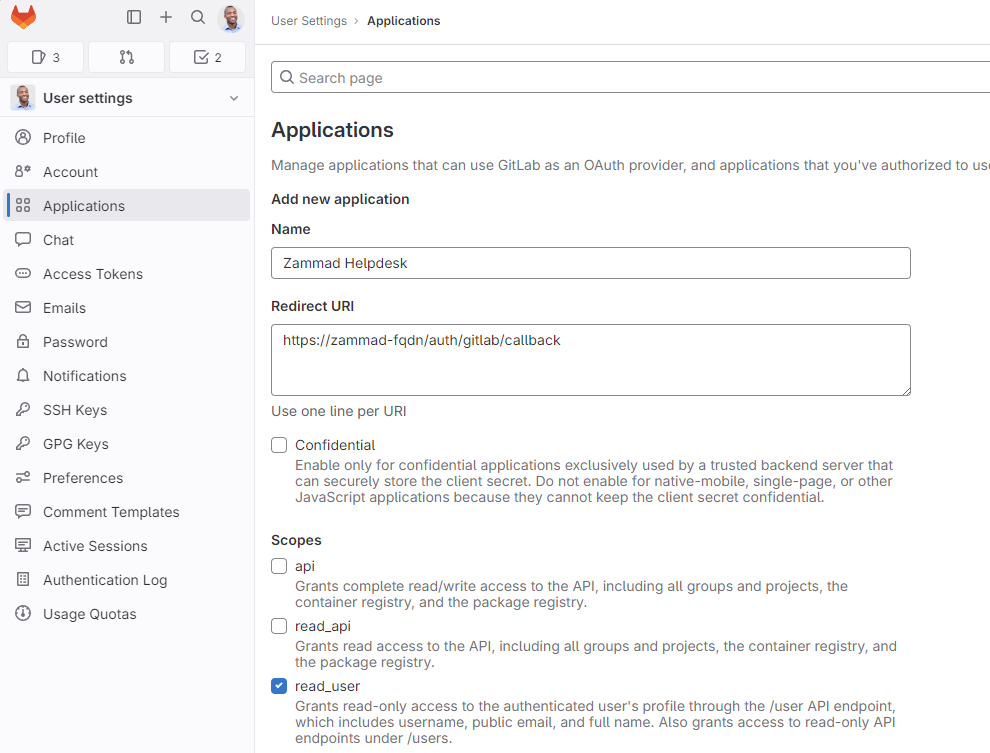
Само изаберите read_user за опсег дозвола као на снимку екрана и сачувајте је.
Configure Zammad as GitLab App
Enter the APP ID and the APP SECRET from the GitLab OAUTH Applications Dashboard and your GitLab-URL in the SITE field.
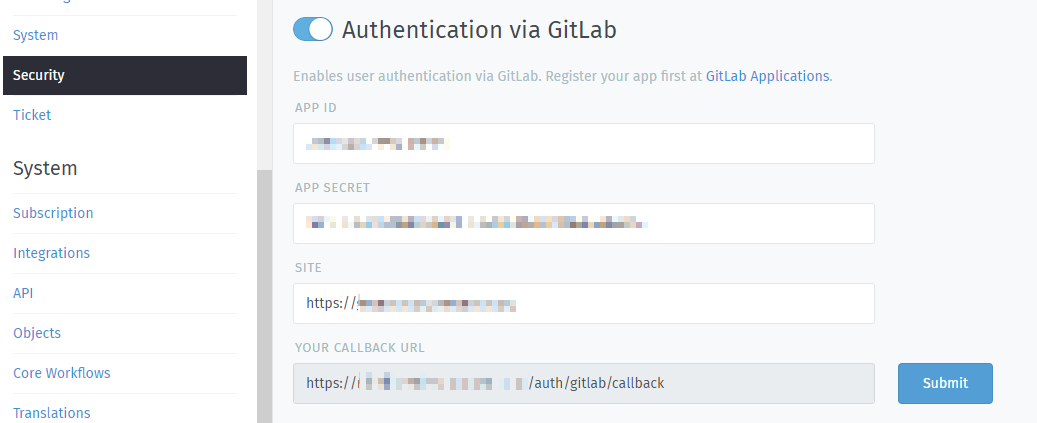
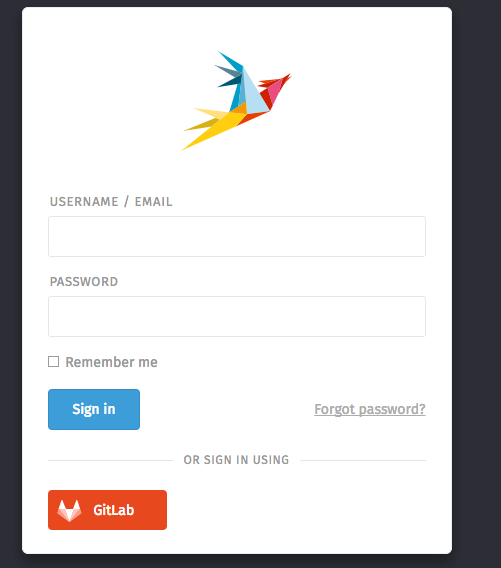
After you configured the GitLab credentials and activated the login method, you should see a new icon on the login page.
If you click on the icon, you will be redirected to GitLab and see something similar to this:
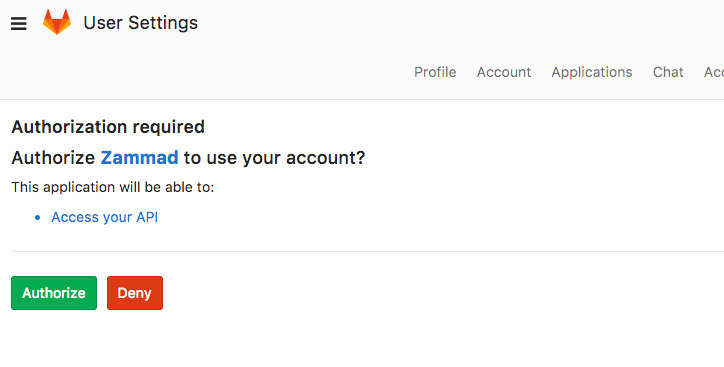
По одобравању приступа, бићете преусмерени на своју Zammad инстанцу и пријављени.
Сада можете повезати налоге преко Аватар > Профил > Повезани налози или се пријавити преко Zammad странице за пријаву.